Skip to main content
 Making Tax Digital for Income Tax: what landlords need to know

It’s true, Making Tax Digital (MTD) for Income Tax will be a big change to how you report your property income to HMRC. When you’ll have to follow the new rules depends on your annual income, but if you’re an unincorporated landlord with qualifying income over £20,000 you will have to comply sometime between now and April 2028.
Luckily, we’re here to give the lowdown on MTD for Income Tax: what you’ll need to do, when you’ll need to do it, and how to set yourself up for success.
What is Making Tax Digital?
Making Tax Digital (MTD) is the government’s initiative to introduce a digital tax system in the UK. HMRC hopes that MTD will make it easier for businesses to keep on top of their tax and accounting. “In the modern world, the ability to run your sole trade or property or small business effectively is fundamental,” says Craig Ogilvie, HMRC’s Director of Making Tax Digital.
MTD for Income Tax is the second stage of Making Tax Digital (after MTD for VAT) and replaces annual Self Assessment tax returns for most landlords.
Who does MTD for Income Tax affect?
MTD for Income Tax will affect most landlords with income from unincorporated property (i.e. property you own as an individual, either jointly or solely, rather than through a limited company).
If you also have income from a sole trade, your qualifying income for MTD for Income Tax is the total of your property and business income. Learn more about qualifying income in our guide.
When does MTD for Income Tax start?
- Landlords with qualifying income over £50,000 per year must comply with MTD for Income Tax from April 2026.
- Landlords with qualifying income over £30,000 per year must comply from April 2027.
- Landlords with qualifying income over £20,000 per year must comply from April 2028.
What do I have to do under the new MTD rules?
If you’re a landlord affected by MTD for Income Tax, you’ll need to:
- manually sign up for MTD for Income Tax with HMRC by 6th April (already being in Self Assessment does not register you for MTD for Income Tax; this is a separate process)
- connect your HMRC account to your chosen MTD-compatible accounting software
- keep records of your property income and expenses in a digital format, usually an HMRC-recognised software like FreeAgent for Landlords
- send quarterly updates of your property income and expenses to HMRC
- finalise your business income by submitting an MTD tax return
Keep digital records
Under MTD for Income Tax, you’ll need to keep a digital record of all your property income and expenses. If you’re a landlord and also a self-employed business owner, you’ll have to keep separate digital records of your business and property finances.
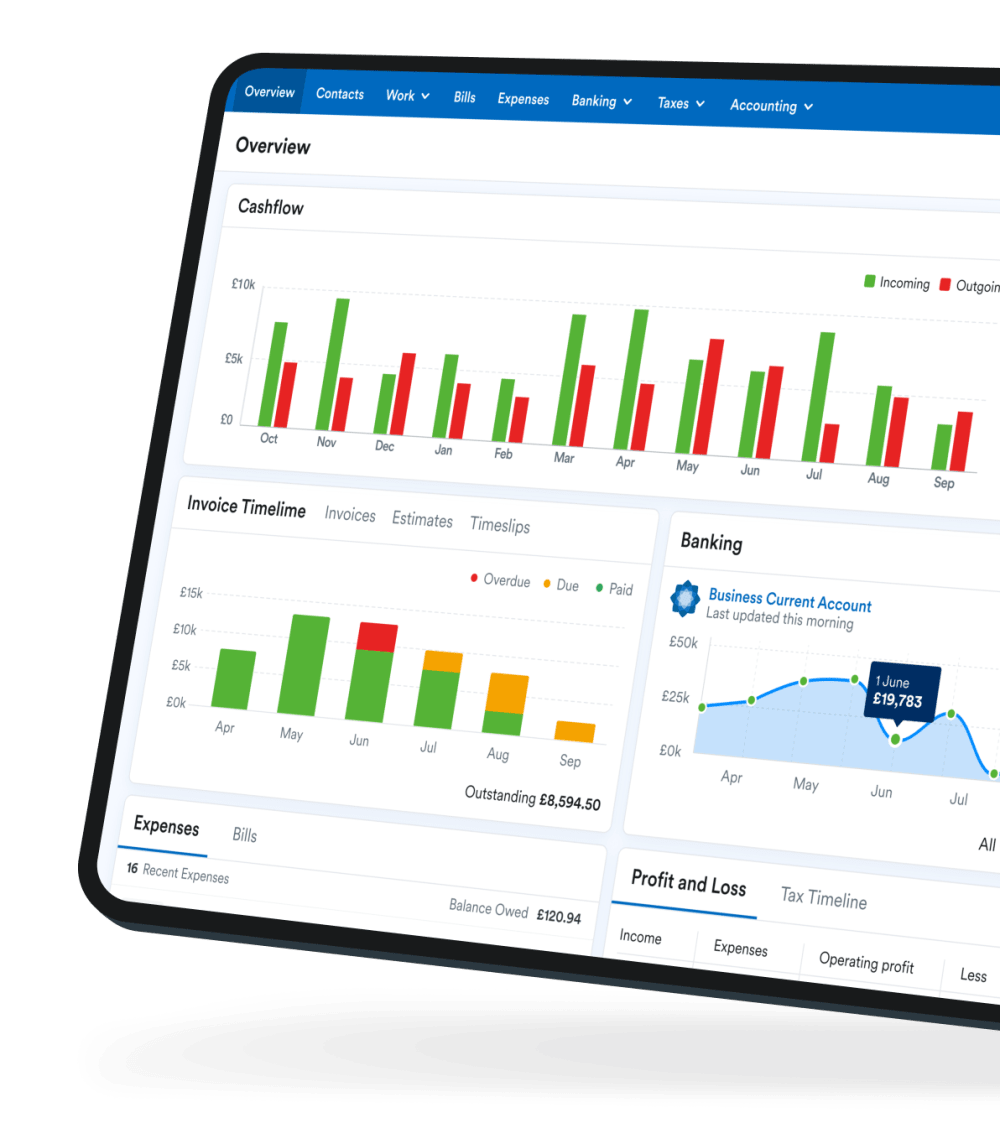
You can keep digital records in FreeAgent for Landlords, our MTD-compatible accounting software built specifically for unincorporated landlords. You can sync bank transactions and snap receipts on-the-go to record your income and costs in real time. You can also automate parts of your rental admin and check your overall profitability - making managing your properties that bit easier.
Send quarterly updates to HMRC
Once you’re keeping digital records, you’ll also need to send a summary of your property income and expenses to HMRC every three months using MTD-compatible software, like FreeAgent for Landlords.
The deadlines for submitting these quarterly updates will be the same for everyone who has to follow MTD for Income Tax rules. From 6th April each year, these deadlines will be:
- 7th August
- 7th November
- 7th February
- 7th May
Once you’ve submitted each quarterly update, you’ll see an updated tax calculation from HMRC based on the figures you’ve submitted so far. This will help you plan ahead and save for your tax bill throughout the year.
Finalise your total income
You’ll need to finalise your total income from the tax year by completing a tax return. This replaces the annual Self Assessment tax return. In FreeAgent, you’ll have to submit an end-of-year update for each of your income streams (one for your property income, and one for each sole trade you have) and a single final declaration.
The end-of-year update lets you confirm that your quarterly updates were correct and add any adjustments or allowances. The final declaration adds details of additional income (e.g. from employment, dividends, or pensions) and tax reliefs (e.g. on charitable donations).
The deadline is the same as Self Assessment, so you’ll have to submit your end-of-year update(s) and final declaration, and pay the tax you owe, by 31st January of the following tax year.
Are you ready for MTD for Income Tax?
If you already know you’ll need to comply with MTD’s new rules, make sure you:
- have signed up with HMRC by 6th April
- use an MTD-compatible software, like FreeAgent for Landlords, to record your property income and costs
- add your MTD deadlines into your calendar - you can do this easily by downloading our calendar
If you’re new to FreeAgent for Landlords, why not watch our Getting Started webinar for landlords? This 30-minute video will show you the basics in your new accounting software and get you confident in digital record-keeping.
Disclaimer: The content included in this guide is based on our understanding of tax law at the time of publication. It may be subject to change and may not be applicable to your circumstances, so should not be relied upon. You are responsible for complying with tax law and should seek independent advice if you require further information about the content included in this guide. If you don't have an accountant, take a look at our directory to find a FreeAgent Practice Partner based in your local area.
31 March 2026